
You may want to read a company's filings but have no idea where to find them. With EDGAR, the filing search system of the U.S. Securities and Exchange Commission (SEC), you can look up the reports a company has filed, free of charge.
In this lesson, we will use Apple as an example: we will find one report and check which point in time its information describes.
Start by checking the company name or ticker
Type "SEC EDGAR company search" into an internet search engine and go to the official search page of the U.S. Securities and Exchange Commission. Before anything else, make sure you are on the official agency's page and not on an ad of unclear origin or a site with a similar name.
Enter the company name or ticker in the search box. Apple's ticker is AAPL. In the search results, check the company name and ticker again to make sure you have not picked a different company with a similar name.
You may also see a number called the CIK. This is a unique identification number that the SEC assigns to each filer. Apple's CIK is 0000320193. It helps you confirm that you have the right company and tell apart results with similar names.
Choose the type of document you want
As we saw in the previous lesson, the 10-K is the annual report, the 10-Q is the quarterly report and the 8-K is the major-event report. If you are looking at a company's overall business and finances for the first time, starting with the annual report makes things easier to understand.
In the search results, narrow the document type to 10-K, then check the reporting period and the filing date to pick the report you want. The way the search works and the wording on the screen can change, so it is best to search by company name, form name and date.
In the case of Apple's 2025 10-K, the reporting period ended on September 27, 2025, and the report was filed on October 31, 2025. These are not the same day. The report covering the fiscal year through September 27 was filed afterward.
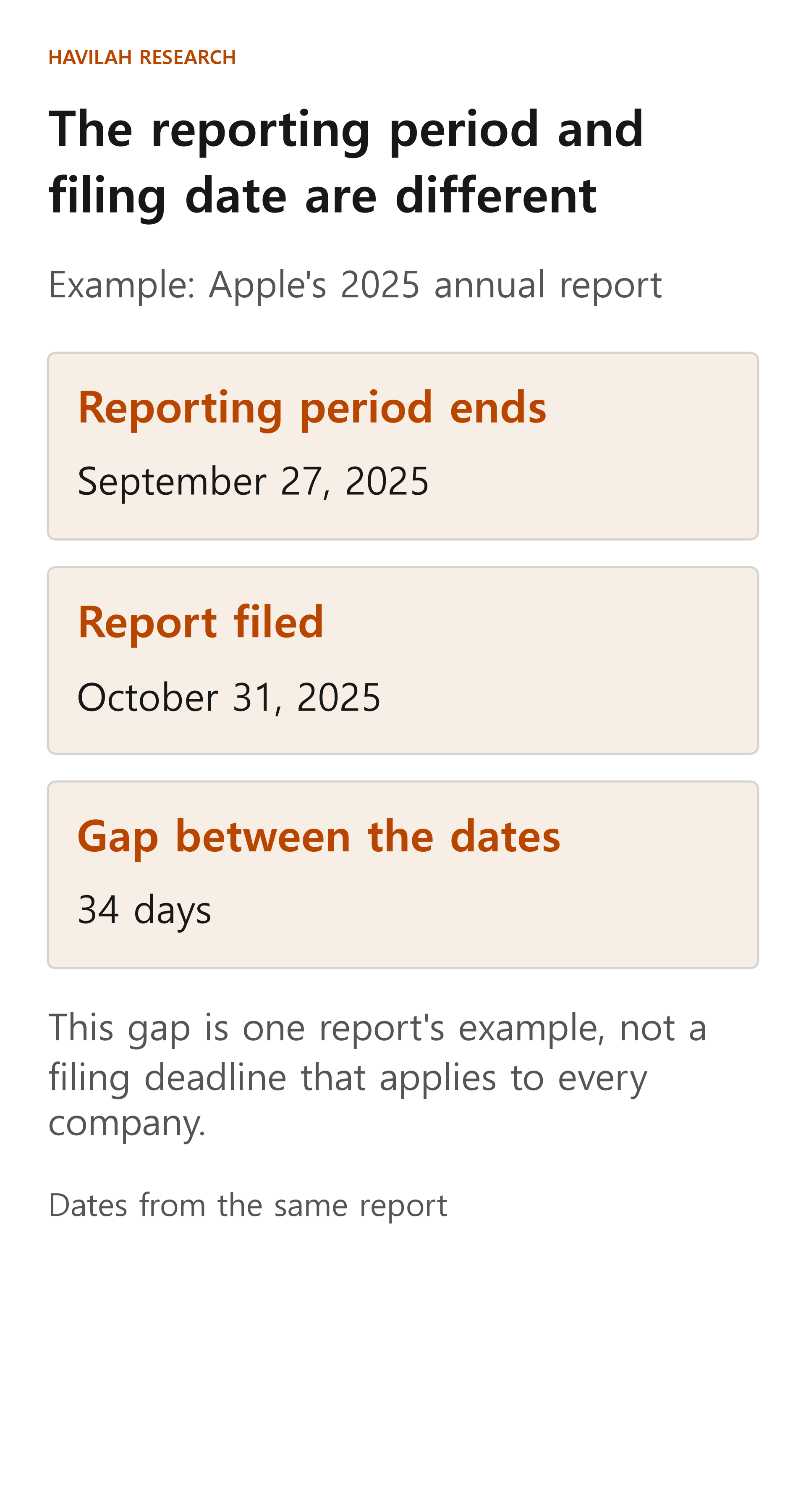
There are 34 days between the two dates. This gap is simply what happened with this one document; it does not mean that every company files its report within the same number of days. When you read a document, check both when the report was made public and which period it describes.
When you open a result, tell the main document apart from the attachments
The detail page of the filing you select may show the main report together with several attached documents. Open the main 10-K document first and look in its table of contents for items such as Business, Risk Factors and Financial Statements. If it is a web page, you can also use your browser's find-in-page function to search for these headings.
The attachments may include material related to the main document, such as contracts or certifications. But even if the list shows several documents, not every attachment is the main body of the annual report. Check each file's document type and title, and open the ones you need.
When you look into a company's recent situation, you also need to check the quarterly reports and major-event reports filed after the annual report. A single 2025 report cannot tell you everything about where the company stands today.
If there is an amended report, read it together with the original
A 10-K/A, with "/A" added after the form type, is a report that amends an earlier 10-K. An amendment does not mean that everything in the original appears again in the new document. Read why the report was amended and which items changed, and check the original as well when you need to.
Also, you cannot assume that a document filed later covers a more recent period. It may have been filed later to correct a past period. Make a habit of checking the filing date and the reporting period separately.
How to organize what you find
Once you have chosen a company to research, write down the company name and ticker, the type of each document you found, and its filing date and reporting period. Also note where the business description, the risk factors and the financial statements are.
Doing this makes it easier to check the same numbers again later and reduces the chance of mixing up data from different periods. Finding the filings is where an investment decision begins. Next, we will look at how to read about a company's business in the documents you have found.