
You placed an order to buy 10 shares, but only 7 shares show up in your account. Did something go wrong with the order?
Not necessarily. Only part of the quantity you ordered may have traded. In that case, before you order again, first check how many shares were filled and what is still left of the order.
1. Separate the quantity you ordered from the quantity filled
An order is a request to trade, and a fill means the trade actually took place. If you ordered 10 shares but bought only 7, the remaining 3 shares are a quantity that has not been filled yet. When only part of an order has traded like this, it is called a partial fill.
Whether the remaining 3 shares keep waiting or have been canceled automatically depends on the order type and its time limit. Part or all of an order may go unfilled, for example because there are not enough people willing to trade on your price condition, or because trading has been halted.
What happens if you order 10 shares again in this situation? The earlier order that is still open could also be filled later, so you risk buying more than you originally intended. Check the remaining quantity and the order's status in your order history first.
2. A single order can be filled at different prices
Below is a hypothetical purchase that leaves out commissions. You saw a last trade price of $100 on the screen and ordered 10 shares. Assume that 7 shares of this market order were then filled as follows.
| Shares filled | Fill price per share | Cost of the shares |
|---|---|---|
| 4 shares | $100 | $400 |
| 3 shares | $101 | $303 |
| Total: 7 shares | Different prices | $703 |
Of the 10 shares, 7 were filled, so 3 shares remain. The 7 shares you actually bought cost $400 + $303 = $703.
If you had assumed that all 7 shares would be bought at $100, you would have expected $700. The actual cost is $3 more than that. The average fill price for the 7 shares is $703 ÷ 7 shares, or about $100.43, rounded here to two decimal places.
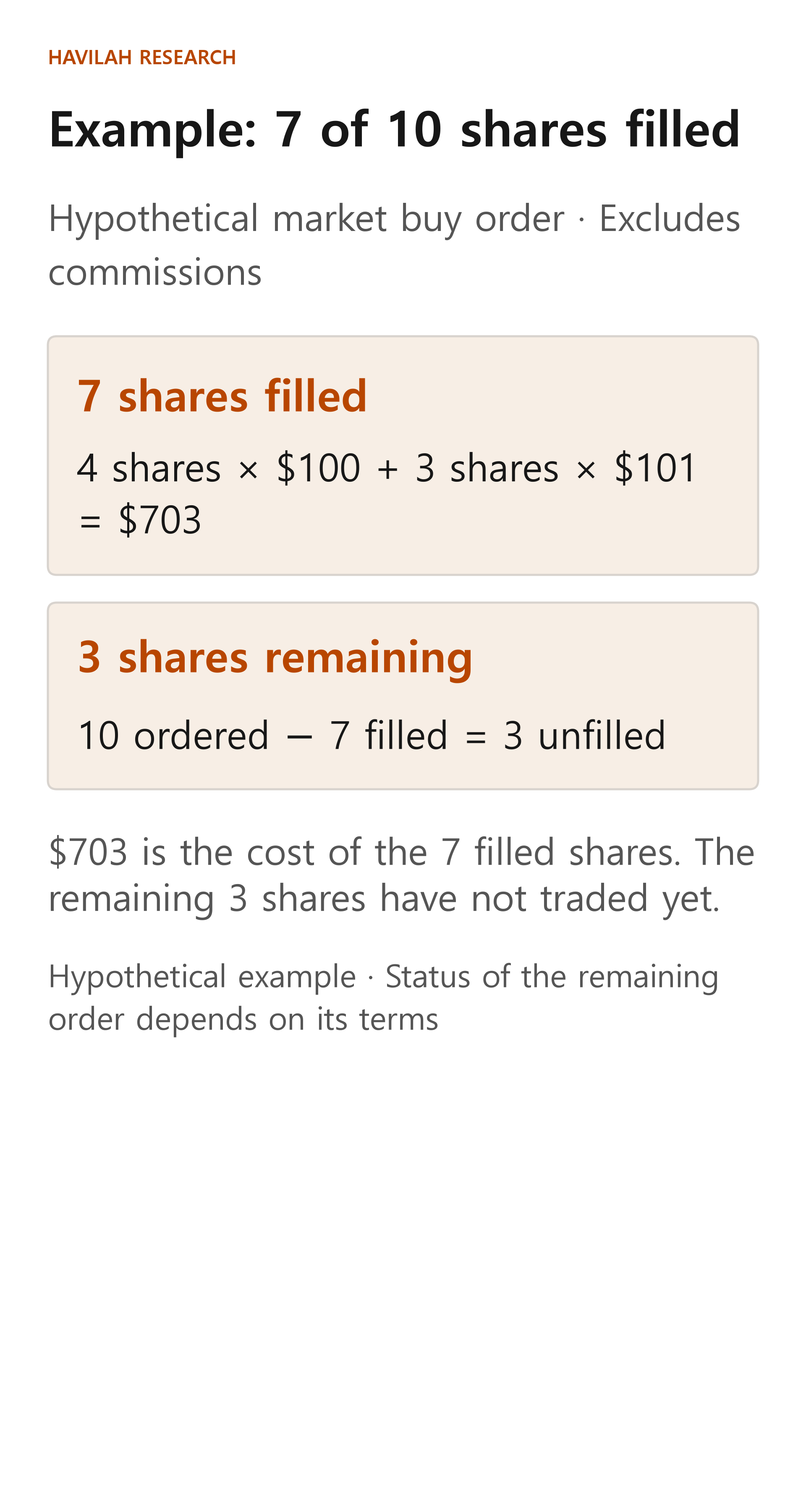
The average is calculated only from the shares actually filled. If you include the 3 shares you have not bought yet, or simply add $100 and $101 and divide by two, you do not get the average for this trade.
3. Slippage is the gap between your reference price and the fill price
A difference between the price you referred to when placing an order and the actual fill price is called slippage. The result depends on which price you use as the benchmark. In the example above, the benchmark was the last trade price of $100 that you saw when you placed the order.
A market order is executed at whatever price is available, so if the price moves in the meantime, you may buy for more or sell for less than you expected. You may also get a better price. The last trade price on the screen is not a confirmed price for your order.
A buy limit order is filled only at the price you set or lower. But in exchange for limiting the price, if no one will trade with you on those terms, the order may be only partly filled or not traded at all. Look at the filled part and the unfilled part separately.
4. If you pressed cancel or modify, check the result
If you want to cancel what is left of an order, ask to cancel it and then check that the cancellation has actually been completed. Part of the remaining quantity may be filled while your request is being processed. Canceling the rest of an order does not undo trades that have already been filled.
Modifying an order means asking to change the price, the quantity or other details of what remains of it. Which details you can change, and how the change is handled, depend on the broker and the order type. Even after you send a modification request, check the final status of the order and any newly filled quantity.
If you cannot tell what state an order is in, check your order history and your fill history instead of entering the same order again, and contact your broker if it is still unclear.
5. What should you look at in your fill history?
After checking that the stock and the direction (buy or sell) are correct, look at the filled quantity, each fill price and the total amount. If part of the order is still open, check its quantity and time limit as well.
If the amount differs from what you expected, look separately not only at the fill prices but also at the trading commission and the currency conversion records. The $703 above covers only the cost of the shares, so when you compare it with your actual costs, you also need to check the commission.
An order being filled does not mean that everything is settled at the same moment. In the next lesson, we will look at how the money and the shares are settled after a trade is filled.